 Expense Manager
Know where your money goes, every month.
Keep track of your spending and stay within a monthly budget. No bank connection needed.
Android
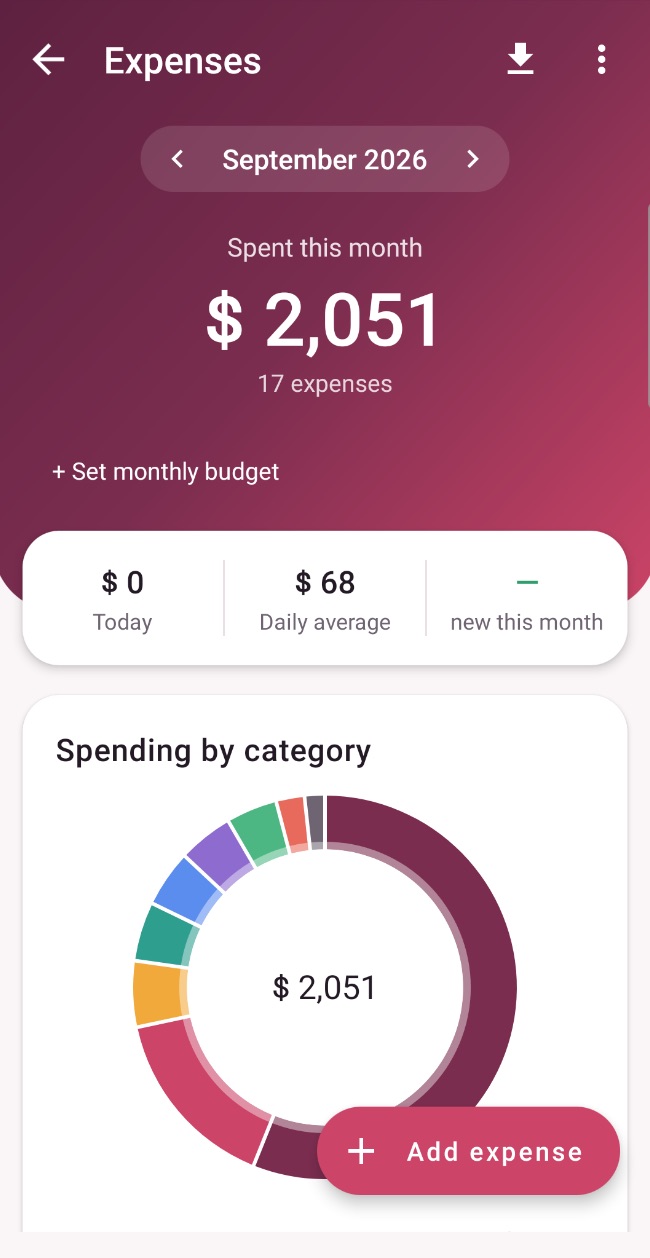
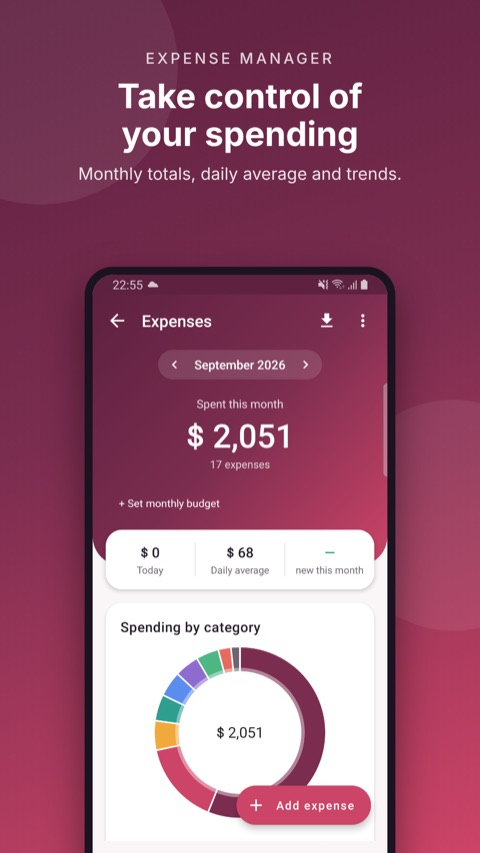
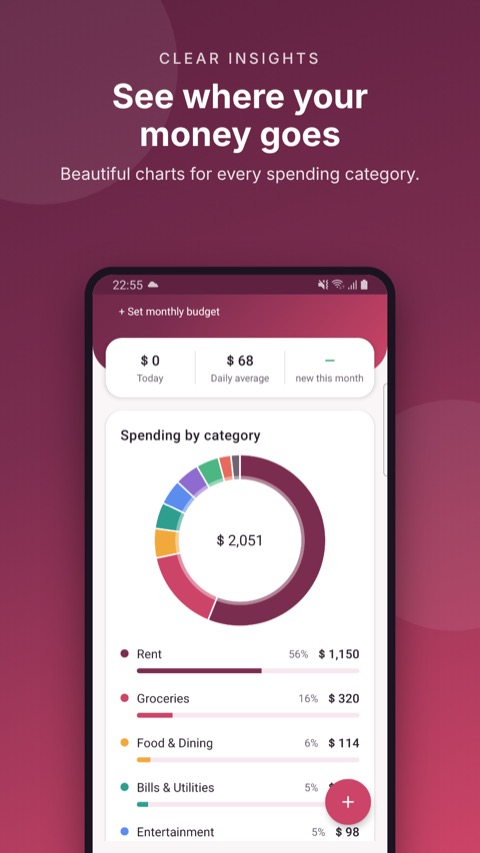
Add an expense in seconds.
Totals, charts and categories at a glance.
No bank connection needed.
Supported by light ads.
Features
Everything in Expense Manager
Add expenses fast
Add an expense with an amount, a category and a note in seconds.
Totals & charts
See today, your daily average and the month, with spending by category.
Monthly budget
Set a monthly budget and see how much is left.
History
Browse every month and search past expenses.
Sync with sign-in
Sign in to keep your data in sync and safe if you change phones.
No bank connection
You add what you spend. No bank login needed.
Your data, your choice
Delete your account and data at any time.
See Expense Manager in action
How it works
Up and running in four steps
Set a budget
Choose how much you want to spend this month.
Add expenses
Add what you spend with a category and note.
See the picture
Check totals, charts and what is left.
Stay in sync
Sign in to keep your data safe across phones.
Who it's for
Built for
FAQ
Questions people ask
Do I need to connect my bank?
No. You add your expenses yourself, so no bank login is needed.
Are there ads?
No.
Can I delete my data?
Yes, at any time from the app or on our delete account page.
Coming soon to Google Play
Expense Manager is coming soon. Questions or ideas? We would love to hear from you.
More from TechHigh
 Rentacar
 RotaDesk
 Keyvane
 PhoneLock
 GoGirl
 DeenDost apps
 QR Scanner
 Smash Yard